
Your iPhone Is the Best Mirror You Own
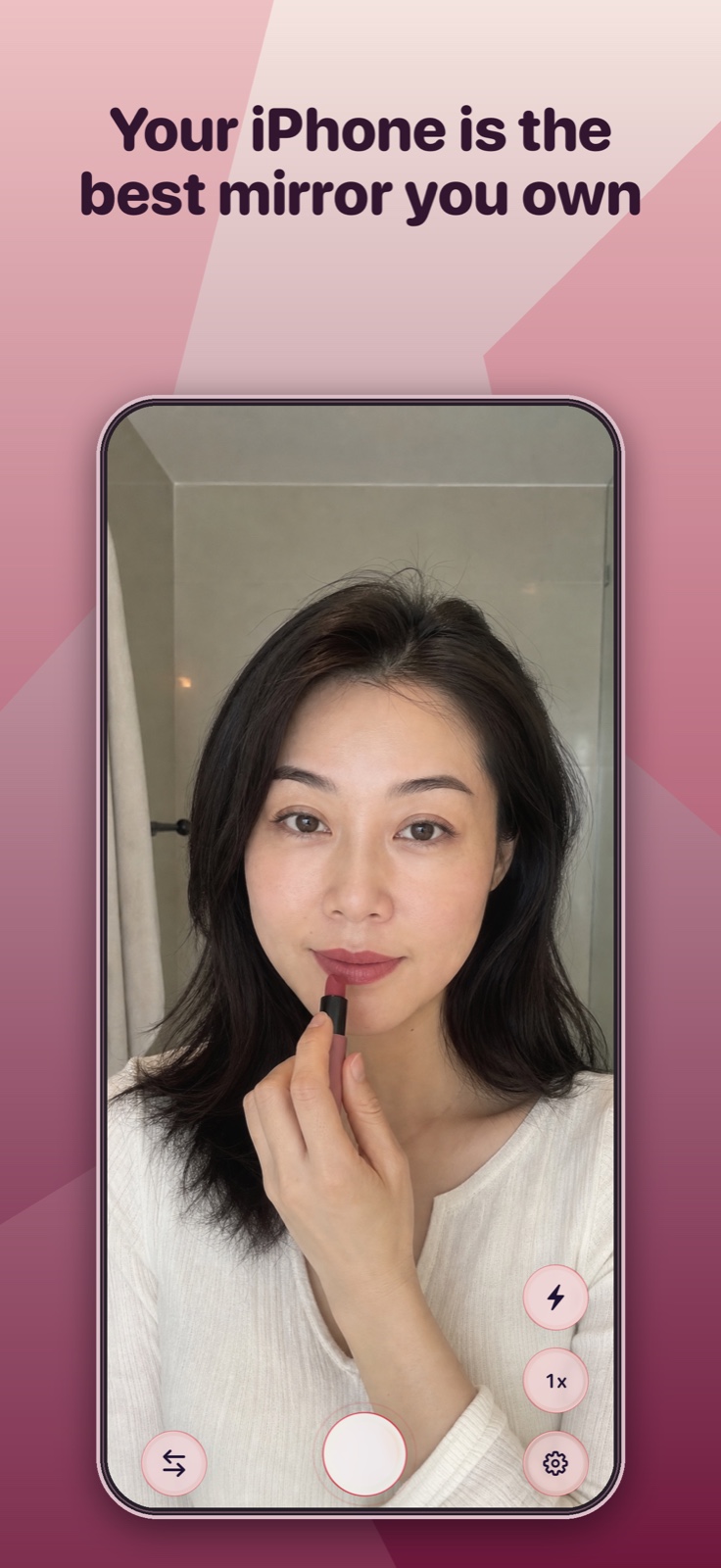
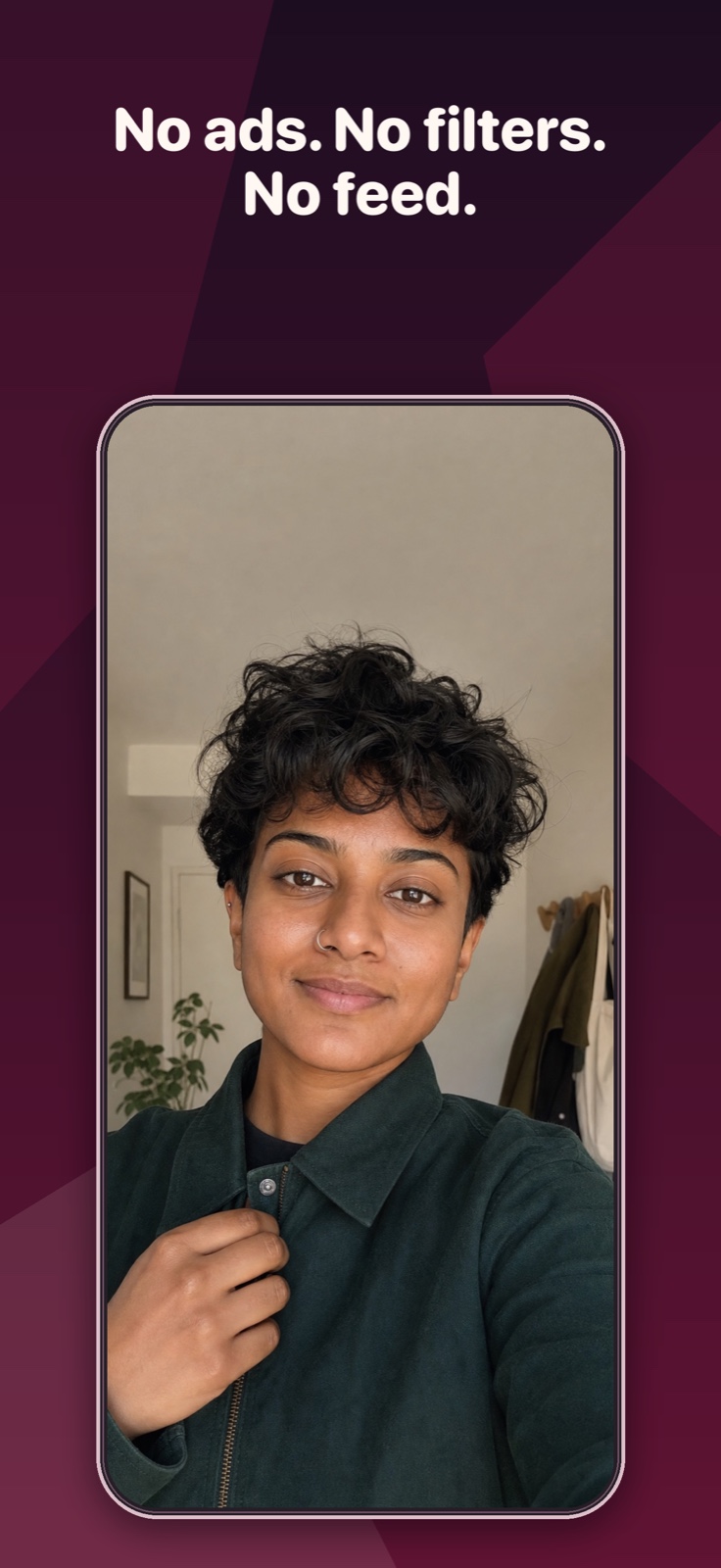
Mirror is a full-screen mirror app for iPhone: open it and you're looking at yourself. No filters, no ads, no feed – just your reflection, with zoom and light when you need them.
- Edge-to-edge front-camera mirror, instantly
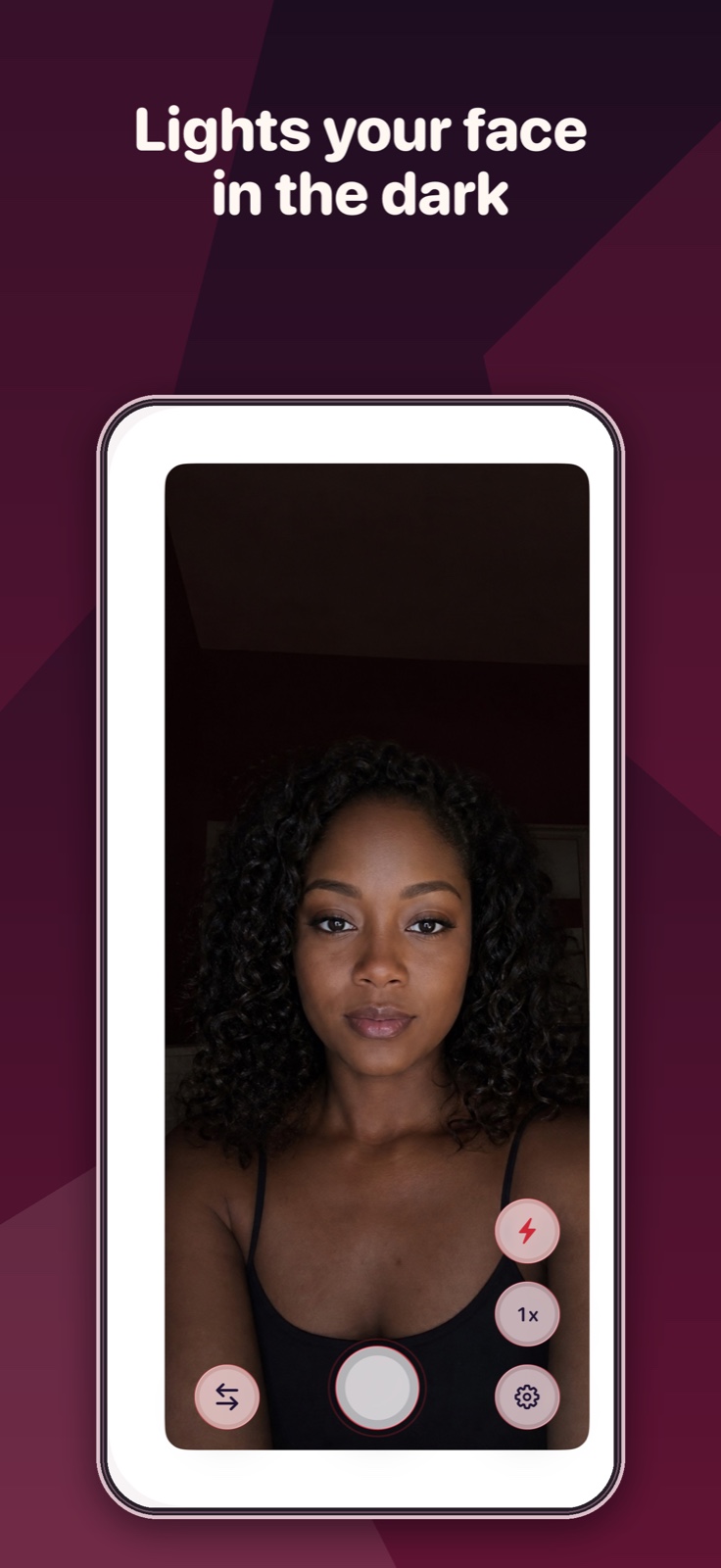
- Night mode lights your face in the dark
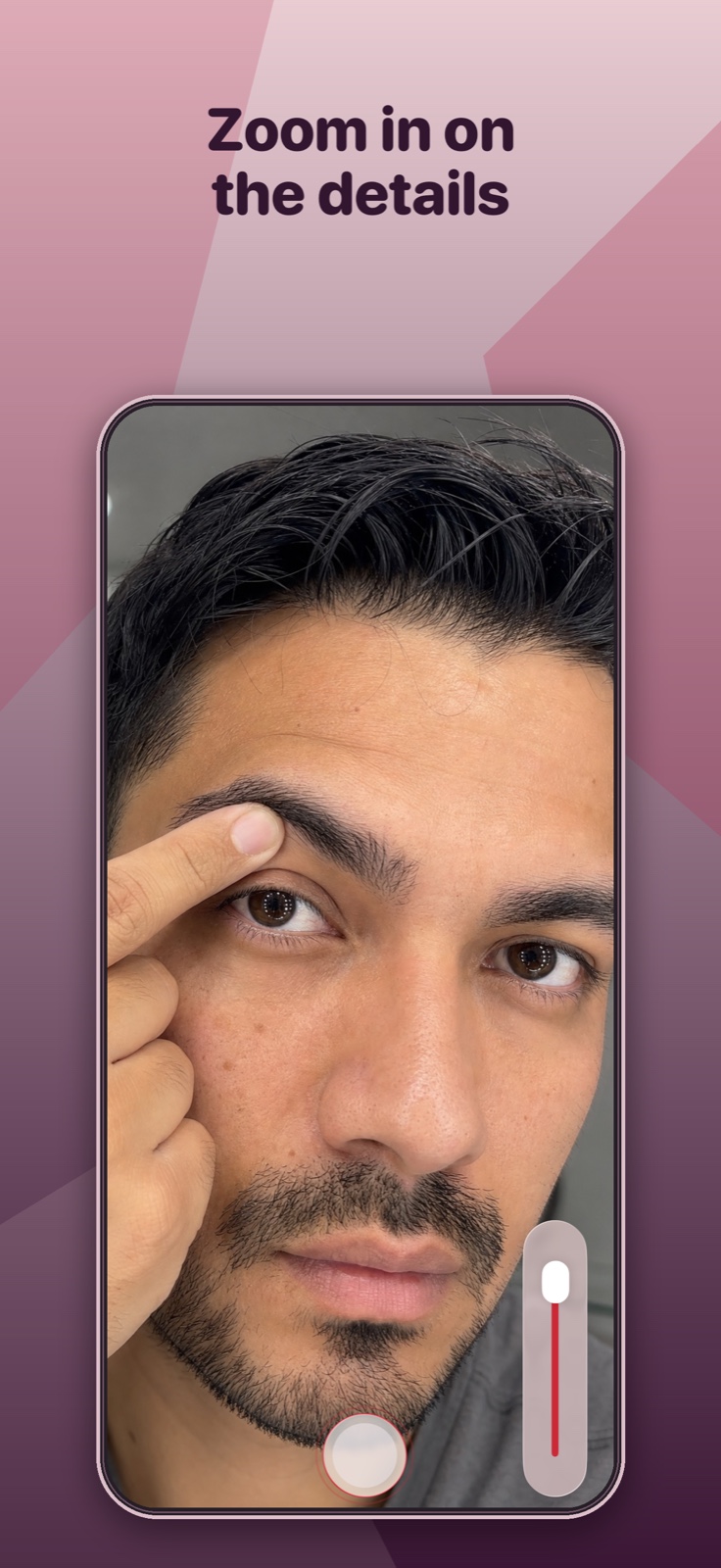
- 2x zoom presets plus a continuous slider
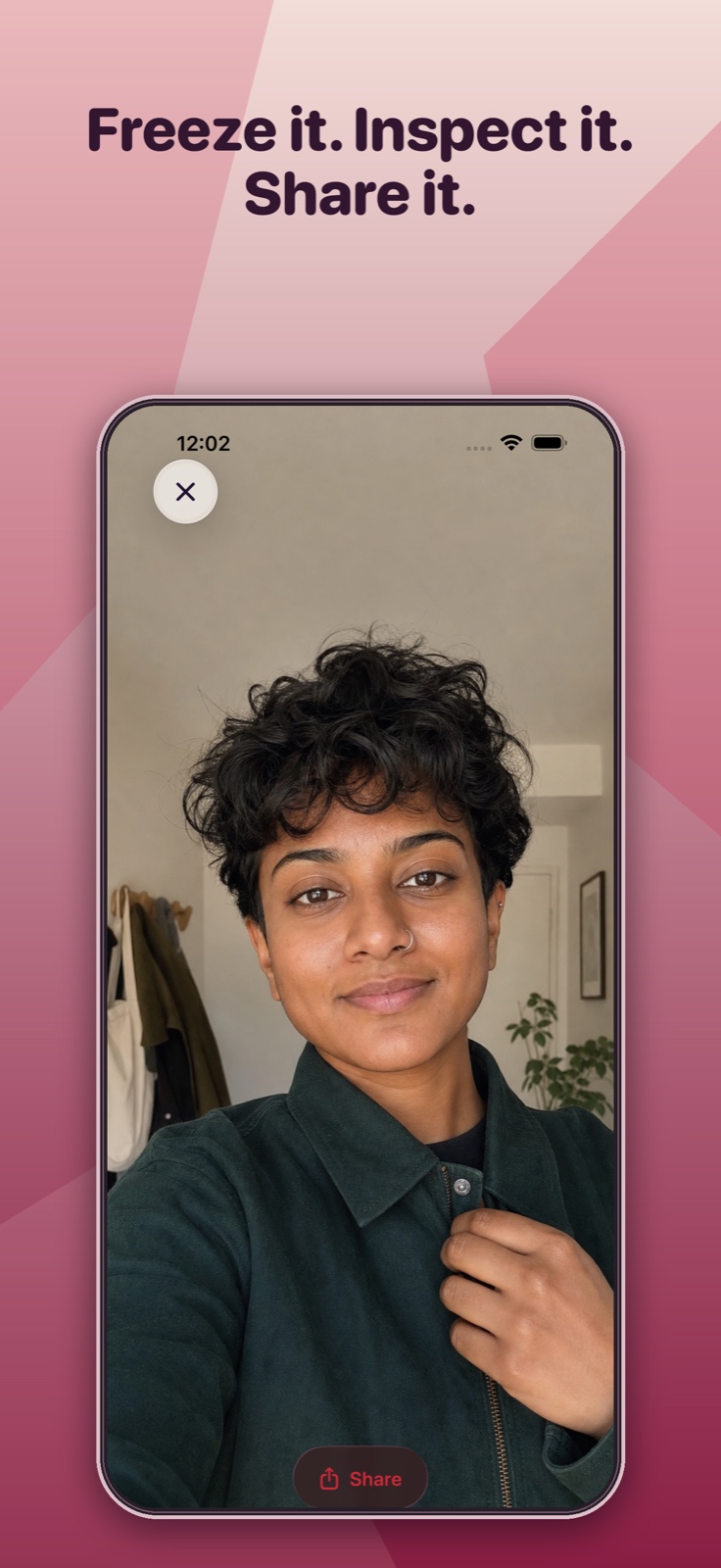
- One-tap freeze frame to inspect the details
 Free week trial or one-time lifetime unlock · iOS 18+
Everything You Need From a Mirror
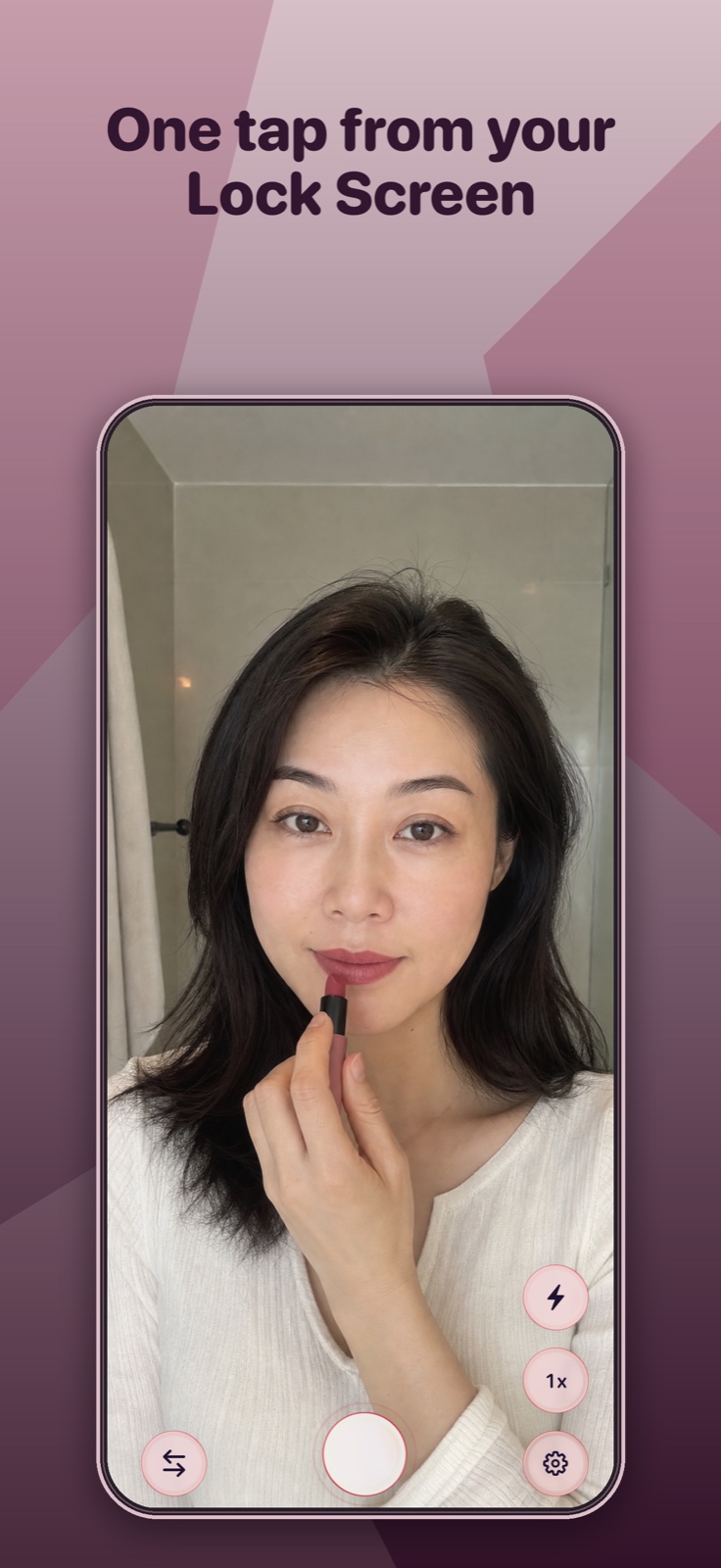
Open it, light your face, zoom in, freeze the frame, or launch it straight from your Lock Screen.
Download Mirror for iPhone
Download free on the App Store, then unlock Mirror with a one-time lifetime purchase – pay once, own it forever – or a subscription that starts with a free week so you can try everything first.
How It Works
Faster than finding a bathroom, cleaner than the selfie camera.
Open
Tap the icon – or the Lock Screen widget – and you're instantly looking at a full-screen, edge-to-edge reflection. No shutter button in your face, no mode dial.
Adjust
Dark room? One tap turns on night mode's bright light frame. Need a closer look? Zoom from 1x to 2x with presets or the slider. Swipe to hide every control.
Freeze & share
Tap once to freeze the frame so you can inspect it up close – no holding the phone perfectly still. Share the snapshot straight from the app if you want a second opinion.
The Makeup Mirror App That Shows Your Real Face
A mirror app with zoom and night mode – and none of the beauty filters that lie to you about your own skin.
Night mode lighting
A bright frame turns your screen into a light source, so you can see your face clearly in dim bathrooms, bedrooms, and backseats.
Real zoom
1x and 2x presets plus a continuous slider – for brows, teeth, contacts, and anything a bathroom mirror keeps at arm's length.
Freeze frame
One tap pauses your reflection so you can pull the phone close and inspect the details – no shaky-hand blur, no accidental photos.
No ads, no filters
Mirror is a paid app, not an ad platform. Nothing is ever drawn over your reflection, and no filter ever touches your face.
One-handed by design
Put the controls on the left or the right to match your grip. Swipe to hide them entirely for a completely clean mirror.
Private by default
No account, no feed, no uploads. Your reflection stays on your phone unless you choose to share a snapshot.
Guides
Real answers to the questions people actually ask about using a phone as a mirror.
How to Use Your iPhone as a Mirror
The native Camera app works – until you need zoom, light, or a steady frame. Here's the full picture.
Read the guide →The Best Makeup Mirror App for iPhone
Zoom and lighting for precision makeup work – without beauty filters smoothing away reality.
Read the guide →A Mirror App With Light for Dark Rooms
How night mode turns your iPhone's screen into its own light source after dark.
Read the guide →Replace Your Pocket Mirror With an App
Why a full-screen phone mirror beats the compact in your bag – and when it doesn't.
Read the guide →A Mirror App That Can Freeze the Frame
Pause your reflection to inspect it up close – teeth, brows, skin – without holding a pose.
Read the guide →Check Teeth, Contacts & Brows Up Close
The close-range jobs a zoomed, lit phone mirror handles better than the bathroom mirror.
Read the guide →A Mirror App With No Ads or Filters
Why most free mirror apps clutter your reflection – and what "just a mirror" costs instead.
Read the guide →A Mirror App Built for One Hand
Left- or right-side controls and swipe-to-hide, for when your other hand is busy.
Read the guide →Frequently Asked Questions
Can I use my iPhone's Camera app as a mirror instead of downloading an app?
Technically yes – flipping to the front camera works as a basic mirror, but it can't zoom in for close inspection or brighten a dark room, and a stray tap takes a photo instead of freezing the image. Mirror closes those exact gaps with 2x zoom, night mode, and a dedicated freeze-frame tap, launching faster than opening Camera manually. Learn more
What's the best makeup mirror app for iPhone?
Mirror turns your iPhone's front camera into a full-screen, unfiltered mirror with 2x zoom and a night-mode bright frame for low-light bathrooms – built for precision makeup application, not beauty filters. Freeze the frame with one tap to hold your reflection steady while you blend or check symmetry. Learn more
Is there a mirror app that lights up your face in the dark?
Yes – Mirror's night mode turns your iPhone's screen into a bright white light frame that illuminates your face in dim rooms, no external lighting needed. Combine it with 2x zoom for late-night skincare checks, contact lens insertion, or getting ready without waking anyone up. Learn more
Can an app replace my physical pocket mirror?
Yes – Mirror gives you a full-screen, edge-to-edge reflection that's larger and better-lit than any physical compact mirror, and it's already in your pocket since it's on your phone. Launch it in one tap, swipe to hide the controls for a completely clean view, and use zoom or night mode whenever a plain mirror isn't good enough. Learn more
Can a mirror app freeze or pause the reflection?
Yes – Mirror's one-tap freeze frame pauses your reflection instantly so you can inspect it up close without holding the phone perfectly steady. Combine it with 2x zoom for checking teeth, brows, or skin, and share the frozen snapshot directly if you want a second opinion. Learn more
Can I use a mirror app to check my teeth or put in contact lenses?
Yes – Mirror's 2x zoom and continuous slider give you close-range magnification for checking teeth, tweezing brows, or inserting contact lenses, and night mode adds even lighting so you're not fighting bathroom shadows. Freeze the frame with one tap so you can work with both hands instead of holding the phone steady the whole time. Learn more
Is there a mirror app with no ads or filters?
Yes – Mirror has zero ads, zero beauty filters, and no social feed anywhere in the app. It's a one-time lifetime purchase or subscription (with a free trial), not an ad-supported free app, so there's no incentive to clutter your reflection with anything. Learn more
Does Mirror support one-handed use with left or right control placement?
Yes – Mirror lets you set controls to the left or right side to match your grip, and a single swipe hides everything for a completely clean full-screen reflection. Swipe again to bring the controls back whenever you need zoom, night mode, or freeze frame. Learn more
Is Mirror free?
The download is free; using Mirror requires either a one-time lifetime purchase – pay once, own it forever – or a subscription that starts with a free week so you can try everything first. There are no ads with either option.
The Next Time You Need a Mirror, It's One Tap Away
Start with a free week, or pay once for lifetime access. No ads, no filters, no feed – just you.